Standby Behaviour and Power Draw in a Micro OLED Viewfinder
Camera battery life is rarely lost while the photographer is composing. It is lost in the intervals, when the camera is on a strap, in a bag, or waiting between shots with the viewfinder dark but the electronics partially awake. For an emissive panel that is good news, because a dark display draws very little, but the rest of the chain has to be managed to match. A 0.39-inch 1024x768 micro OLED viewfinder can be part of an efficient design, but only if standby states, wake behaviour and the cost of coming back to life are understood rather than assumed.
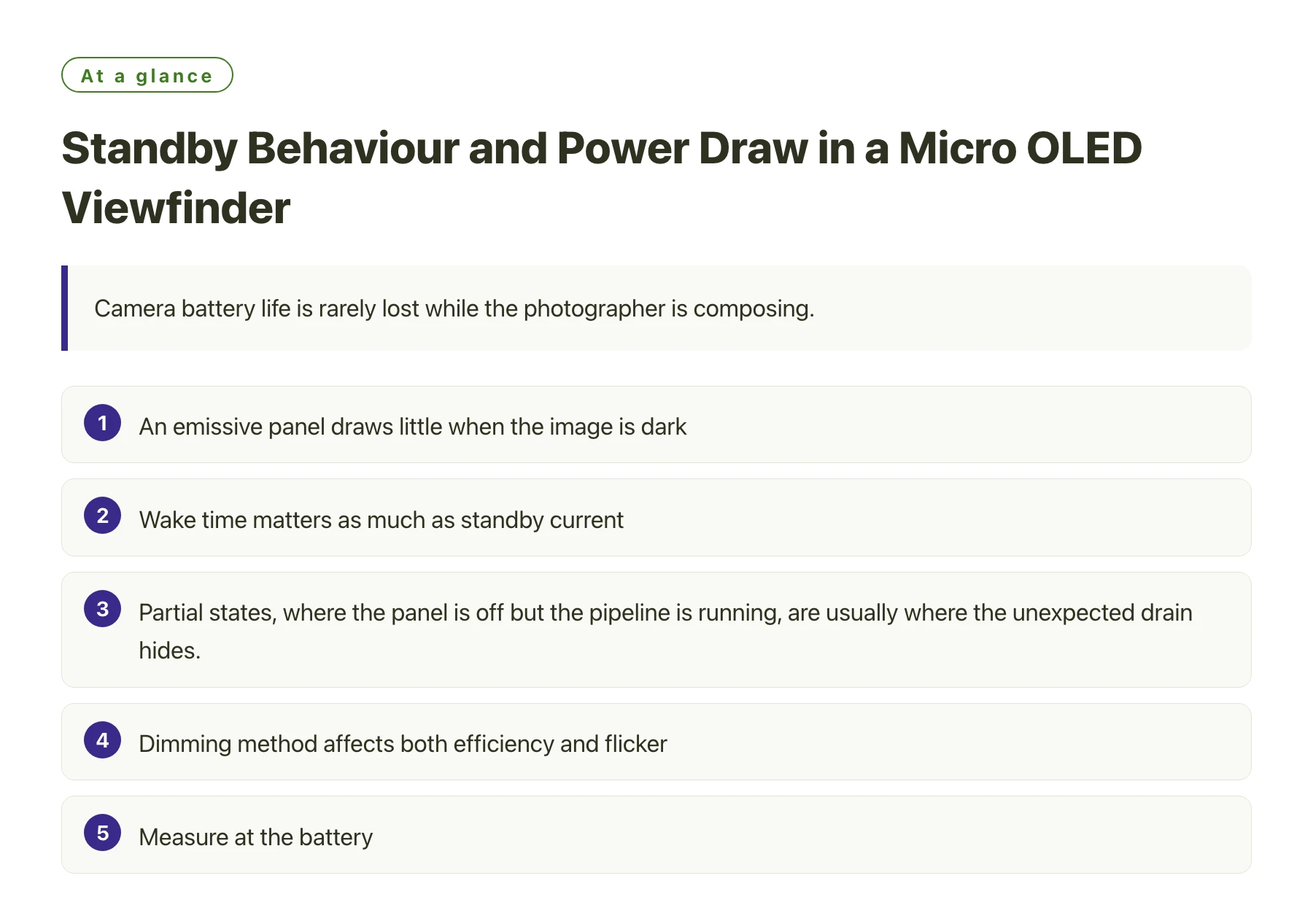
Key takeawaysAn emissive panel draws little when the image is dark, so much of the idle power sits in the surrounding electronics. · Wake time matters as much as standby current, because a viewfinder that takes too long to appear will simply be left on. · Partial states, where the panel is off but the pipeline is running, are usually where the unexpected drain hides. · Dimming method affects both efficiency and flicker, so it is worth understanding how the panel controls brightness. · Measure at the battery, not at the display, or the contribution will be attributed to the wrong subsystem.
Power discussions about cameras tend to focus on the demanding cases: continuous shooting, video recording, image stabilisation. Those matter, but the intervals between them accumulate over a day of use, and a device that does not settle into a genuinely low-power state spends most of its time consuming power for nothing.
A viewfinder is a good example because its usage pattern is intermittent and predictable. It is looked into for a few seconds at a time, then ignored. The engineering opportunity is in making the transition into and out of the awake state both cheap and fast enough that the user never notices it.
The sections below look at where the power actually goes in that pattern, how to measure it, and why wake time is a specification item rather than a usability detail.
Where power goes when nobody is looking
An emissive display produces light per pixel, so a viewfinder showing nothing consumes very little in the panel itself. What remains is the driver, the interface and whatever part of the pipeline is still running. In many designs that residual is larger than the display's active contribution during brief use.
The states between fully on and fully off are where the opportunity and the risk both live. A pipeline that keeps a frame buffer alive, a sensor that continues to stream, or an interface that keeps clocking for no reason will each consume more than the panel does when idle.
The useful way to think about it is as a set of budgets: an active budget for the seconds the user is composing, a standby budget for the minutes between shots, and a deep-off budget for the hours the camera spends in a bag. Each has a different dominant contributor, and optimising one does nothing for the others. Choosing a panel with low consumption, such as the DisplayModule 0.39" Micro OLED display, removes one contributor from all three budgets, but it cannot compensate for a pipeline that never properly powers down.
Measuring viewfinder power honestly
- Measure at the batteryRecord total camera current so the display contribution is seen in context, and use a separate measurement only when you need to attribute it.
- Define the states explicitlyWrite down what is running in each state, including the sensor, the pipeline, the interface and the panel. Ambiguous states are where power leaks.
- Measure the transition, not just the endpointsCapture current during wake and sleep. A long or expensive transition usually means the design will simply avoid using the low-power state.
- Test with realistic intervalsSimulate a shooting pattern: a few seconds awake, a minute idle, repeated. The average that emerges is the number that predicts battery life.
- Check the dark-image case separatelyAn emissive panel showing a dark scene draws little, so a dark scene is not a proxy for standby. Measure the states independently.
Wake time is a power decision
If the viewfinder takes a noticeable moment to appear, the user will leave it on rather than let it sleep. That single behavioural consequence can undo every saving the low-power state was designed to achieve, which is why wake time belongs in the power budget rather than in the usability document.
The wake path usually consists of several steps: the sensor has to start, the pipeline has to be ready, the interface has to be configured and the panel has to accept its configuration and settle. Each can be optimised, and each has a cost in complexity or standby current.
Settling behaviour of an emissive panel
Unlike a backlit panel, an emissive display has no light source to warm up, so the image appears as soon as the pixels are driven. What remains is the time the driver needs to accept configuration and the time the pipeline needs to produce a valid frame [1].
Keeping a small amount of configuration resident, so the panel does not have to be fully re-initialised on every wake, is a common way to shorten the transition. The trade is a slightly higher standby current, which is a reasonable exchange when it prevents the user from disabling the sleep state altogether.
Brightness control and its side effects
Brightness can be controlled by varying the drive to the pixels or by switching them rapidly, and the two methods behave differently at low levels. Rapid switching preserves colour accuracy at low brightness but can be visible to some users, while amplitude control avoids that risk and can shift the colour balance.
The choice affects measurements too. A meter may average a rapidly switched display correctly while a camera does not, which is why the method should be known before results are compared between instruments.
Write the three power budgets down before optimising anything: composing, waiting and stored. Most camera power work chases the first, while the second and third decide whether the battery survives a day. A simple script that cycles the viewfinder through a realistic pattern will tell you more than a bench measurement at a single operating point.
Sources
Frequently asked questions
How much power does a micro OLED viewfinder use when idle?
The panel itself uses very little when showing a dark image, because an emissive display produces light only where needed. The remaining consumption comes from the driver, the interface and any part of the pipeline left running, and in many designs those dominate the idle figure. Measuring at the battery is the only way to know.
Why does wake time matter for power consumption?
Because users avoid slow wake-ups. If the viewfinder takes long enough to appear that it becomes annoying, the camera will be configured to stay awake, and the low-power state will never be used. A slightly higher standby current with a fast wake is often the better trade.
Does a dark scene mean the display is in standby?
No. An emissive panel showing a dark image still has its driver, interface and configuration active, and the surrounding pipeline is certainly running. Standby is a defined state with specific subsystems powered down, and it should be measured separately from a dark image.
How should viewfinder power be tested over a shooting session?
By simulating the real pattern: a few seconds of active use followed by a period of idle, repeated over a realistic duration, measured at the battery. The average current from that test predicts battery life far better than measurements taken at single operating points.